
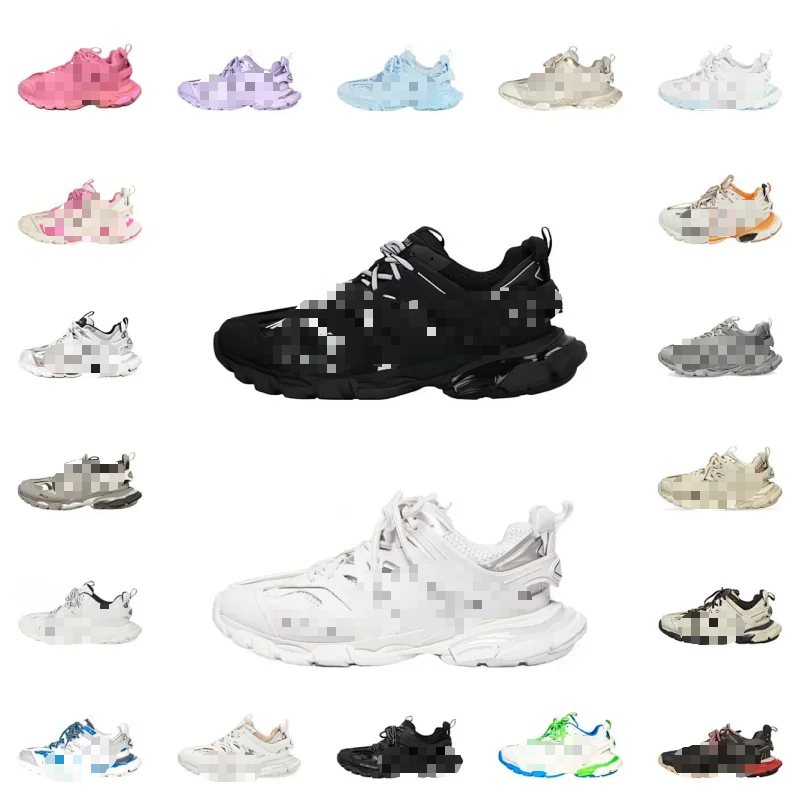
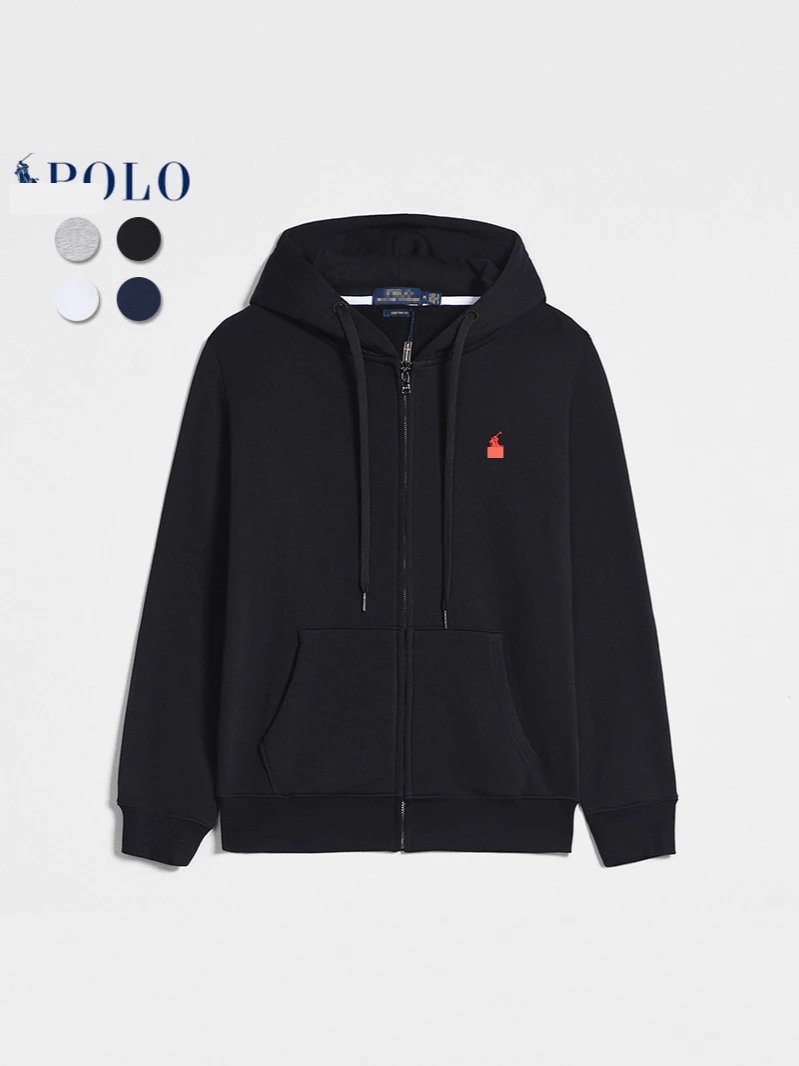
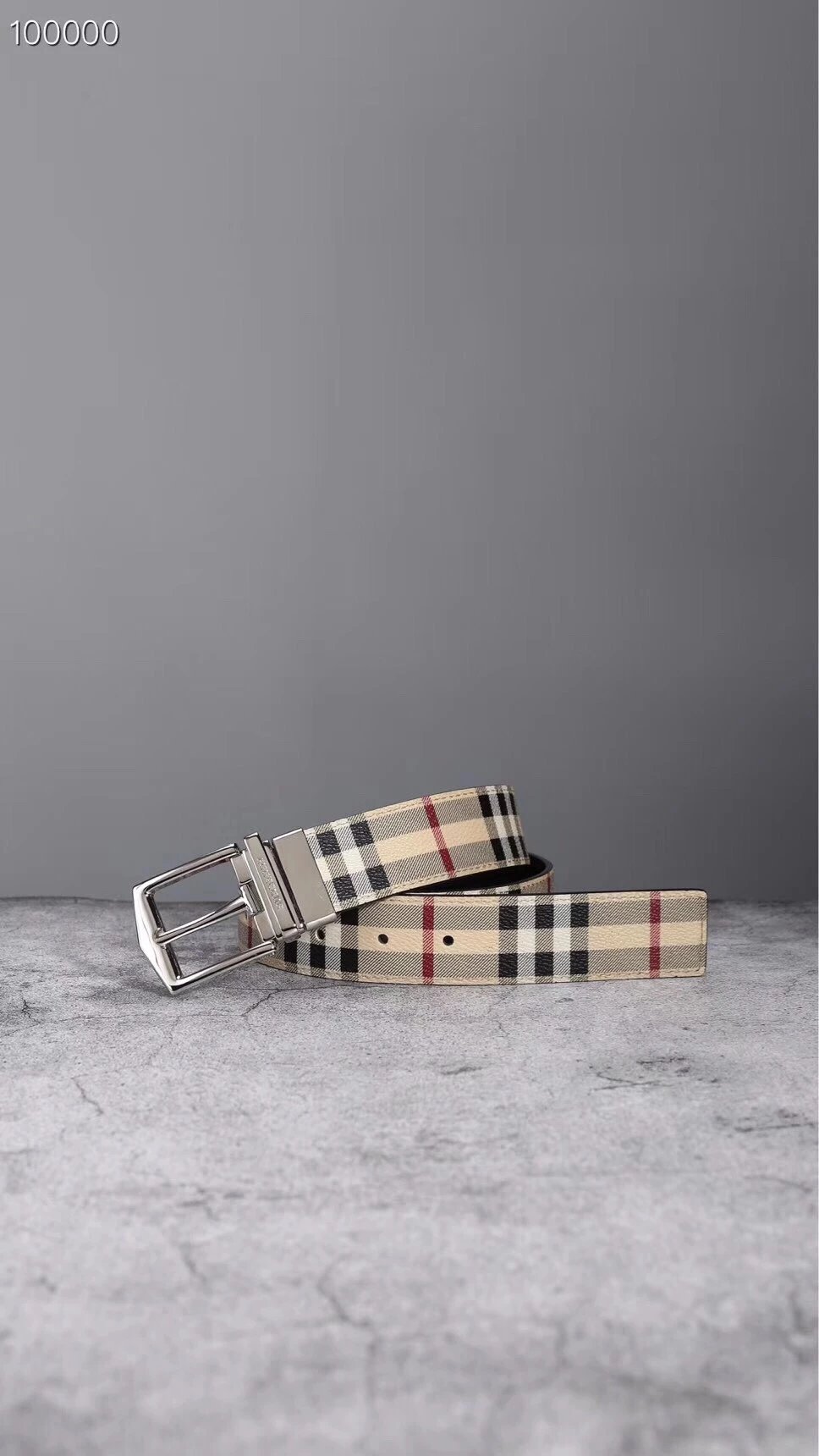
Shoes
Compare silhouettes, soles and fastening details in the footwear listings. Open a pair to inspect its available style photos and QC references before continuing to EastMallBuy.
A closer look starts here.
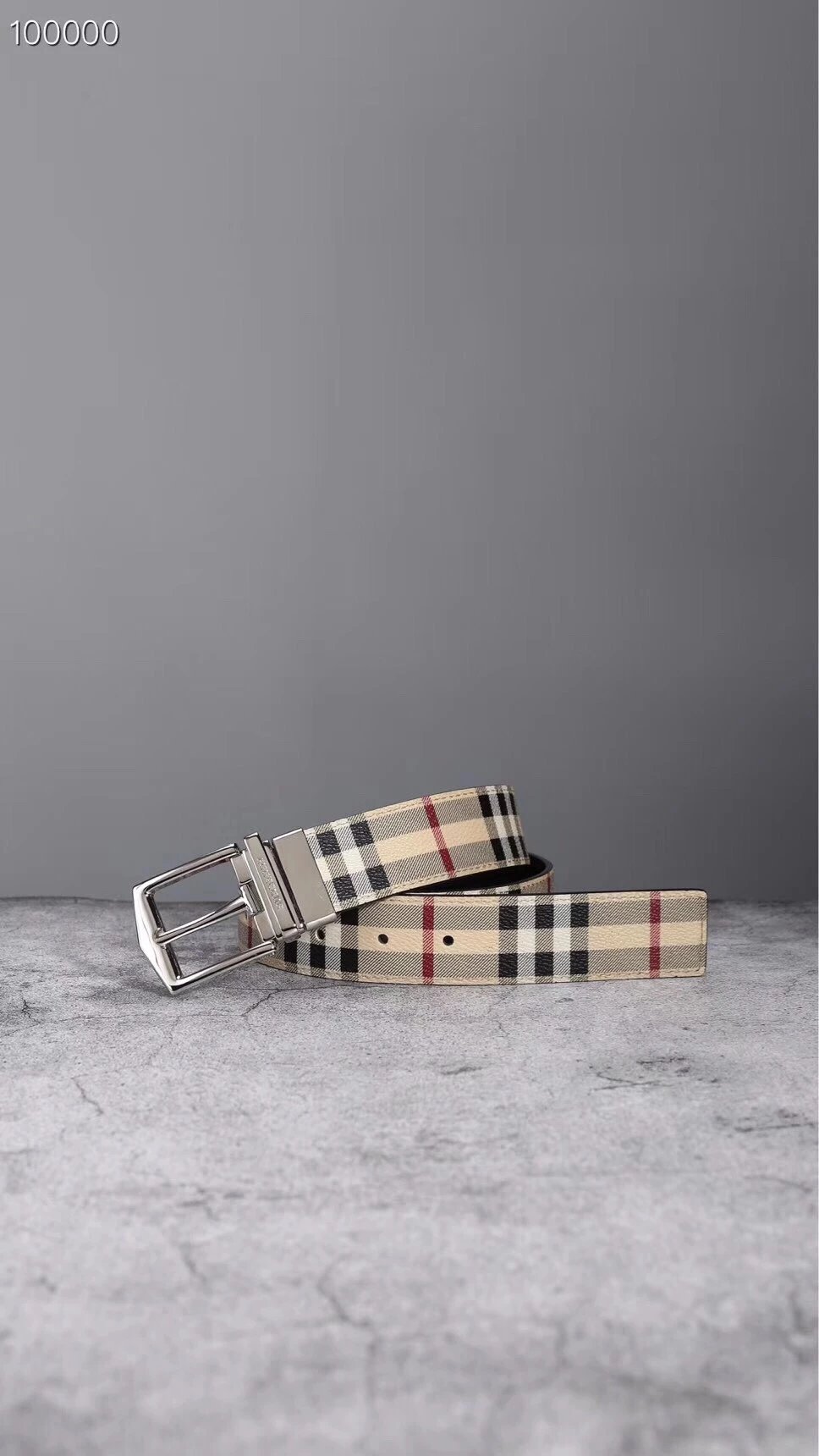
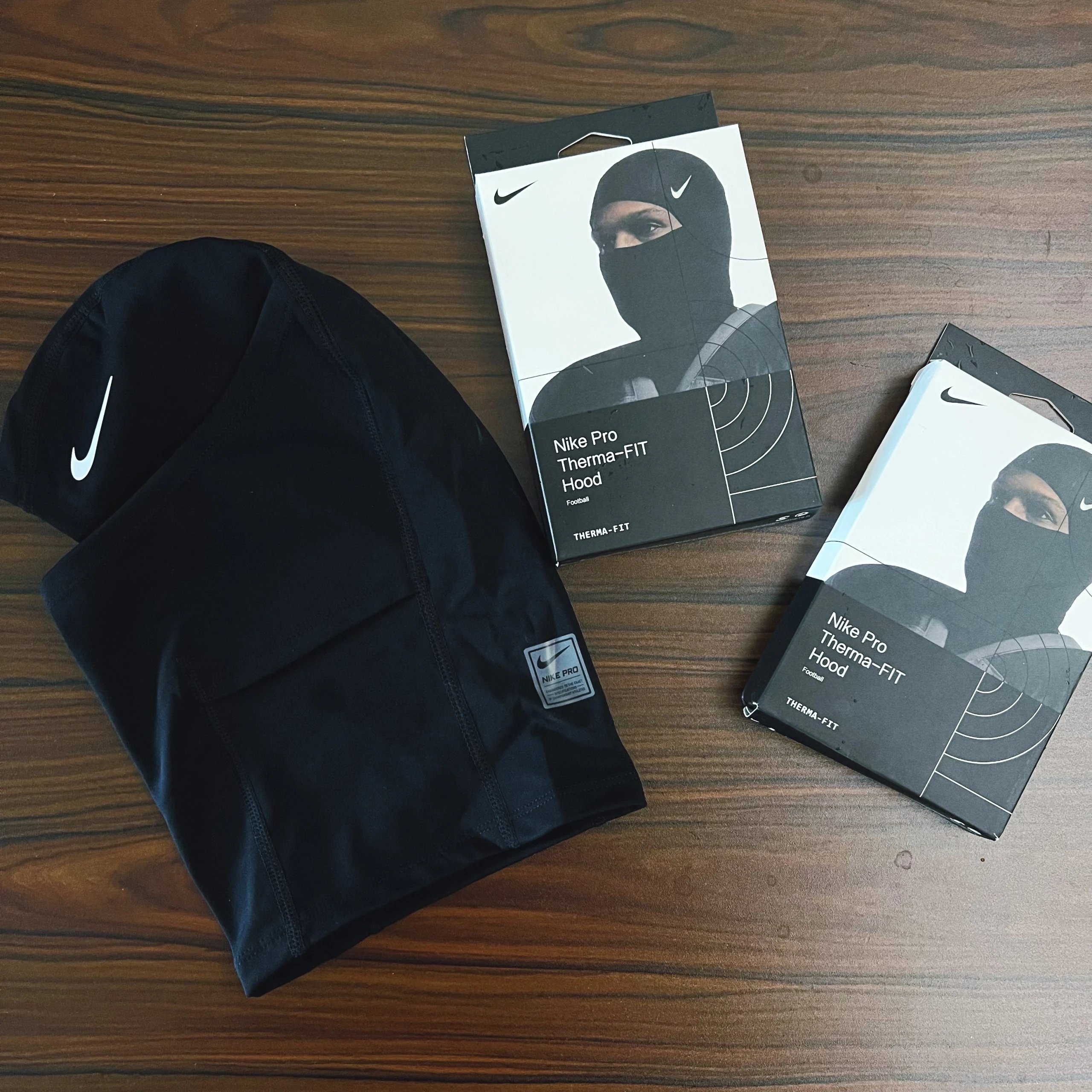
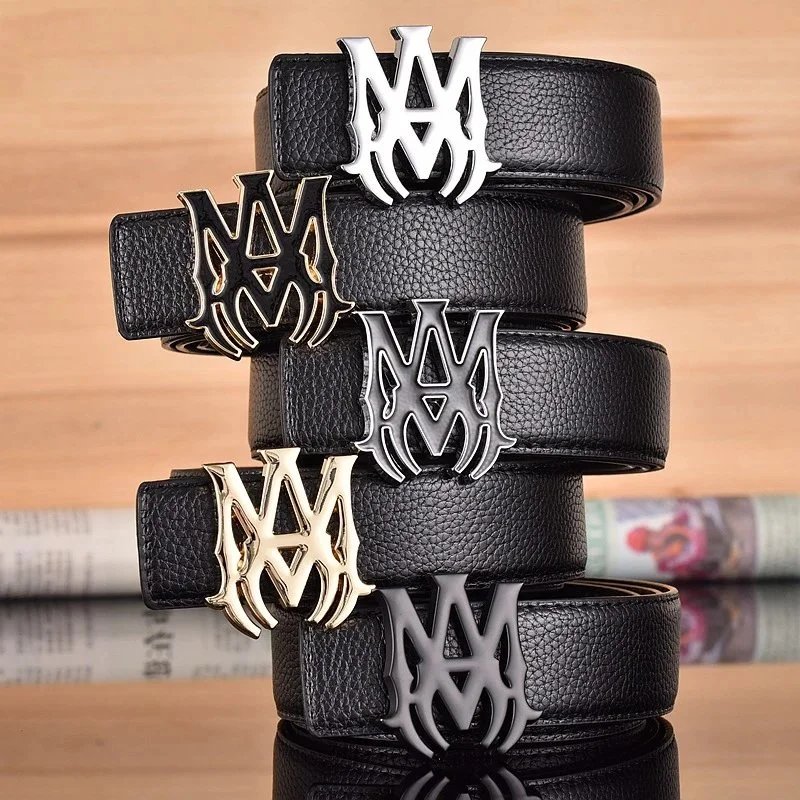
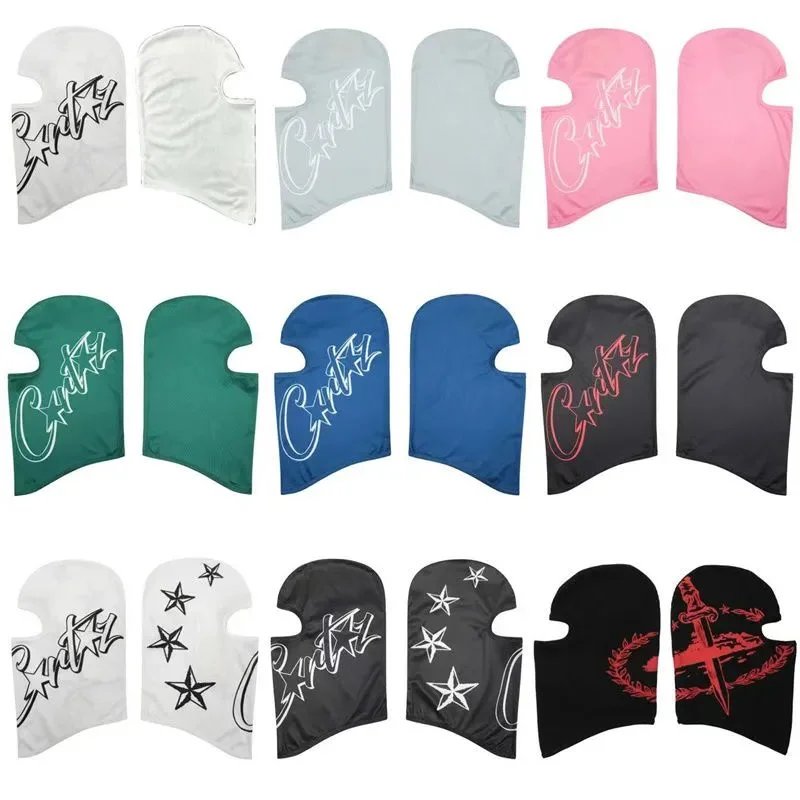
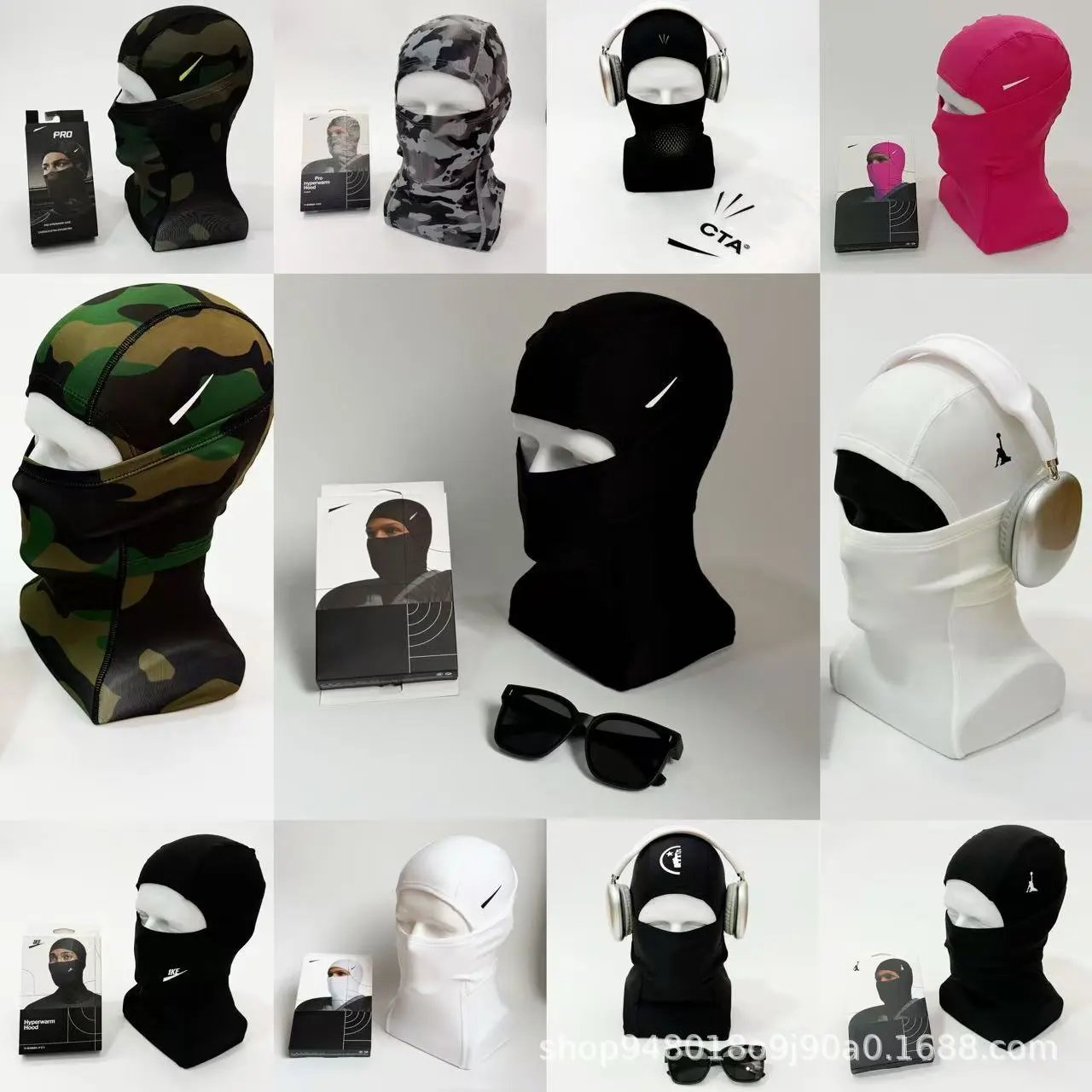
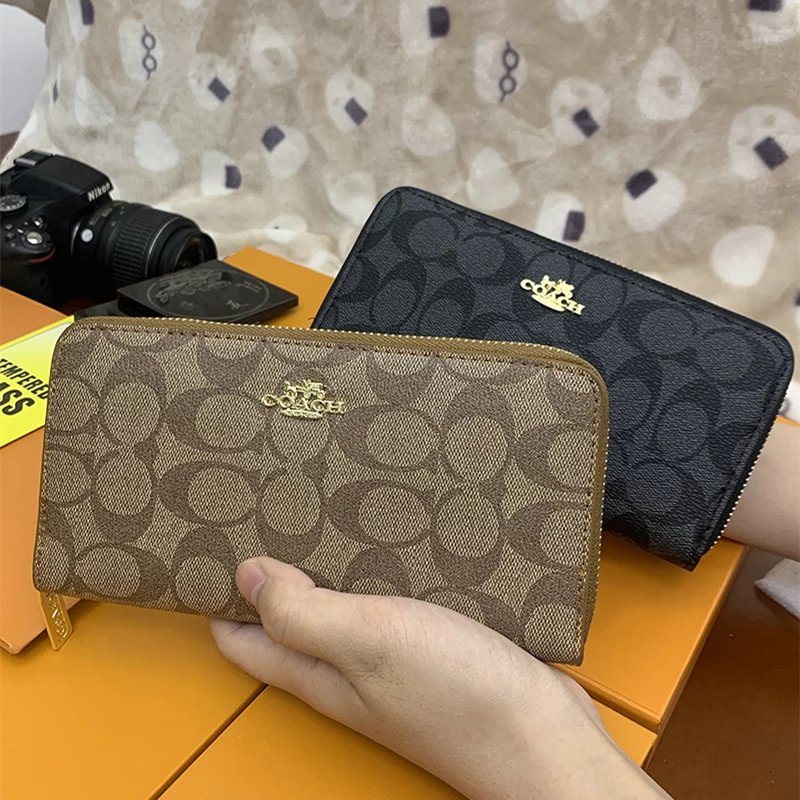
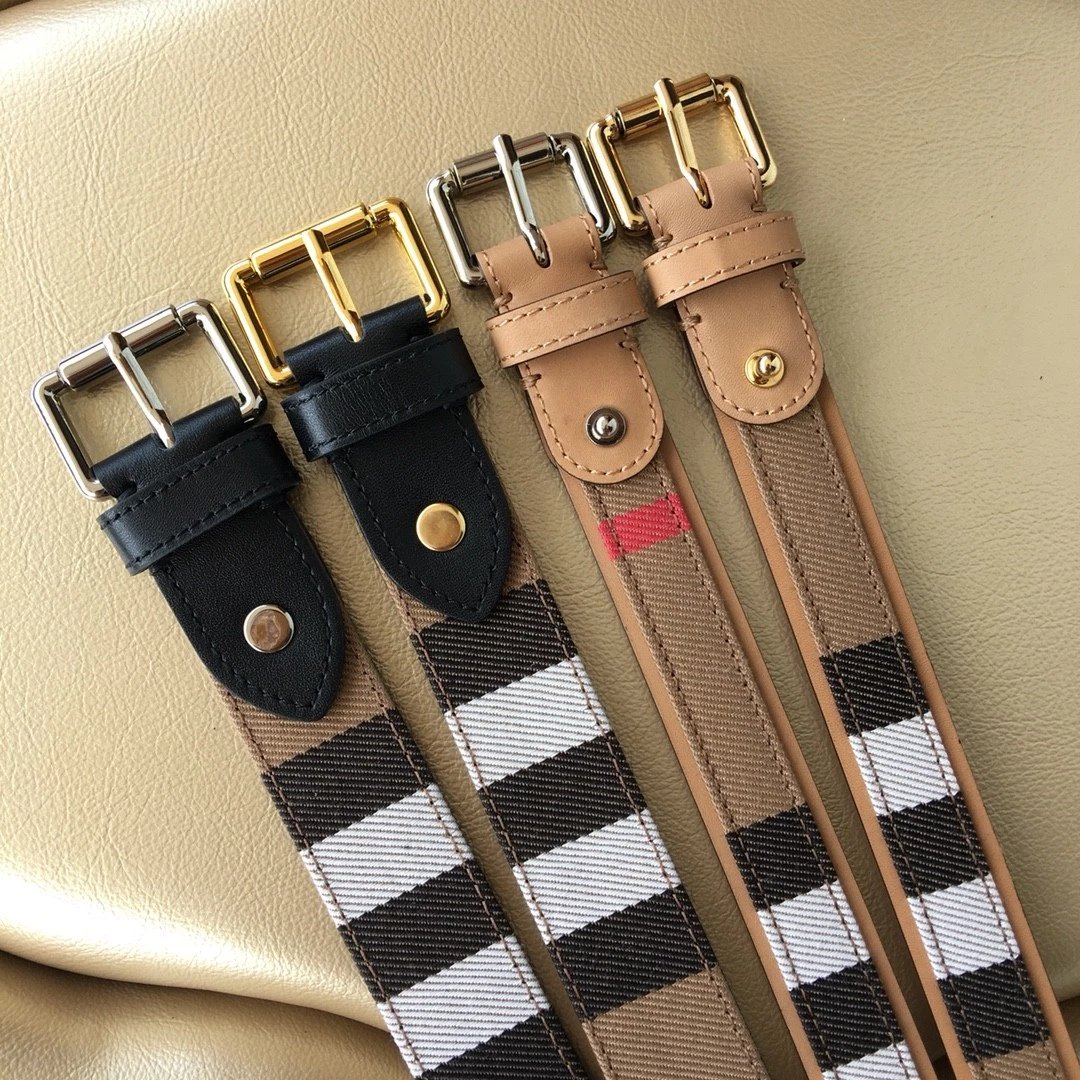
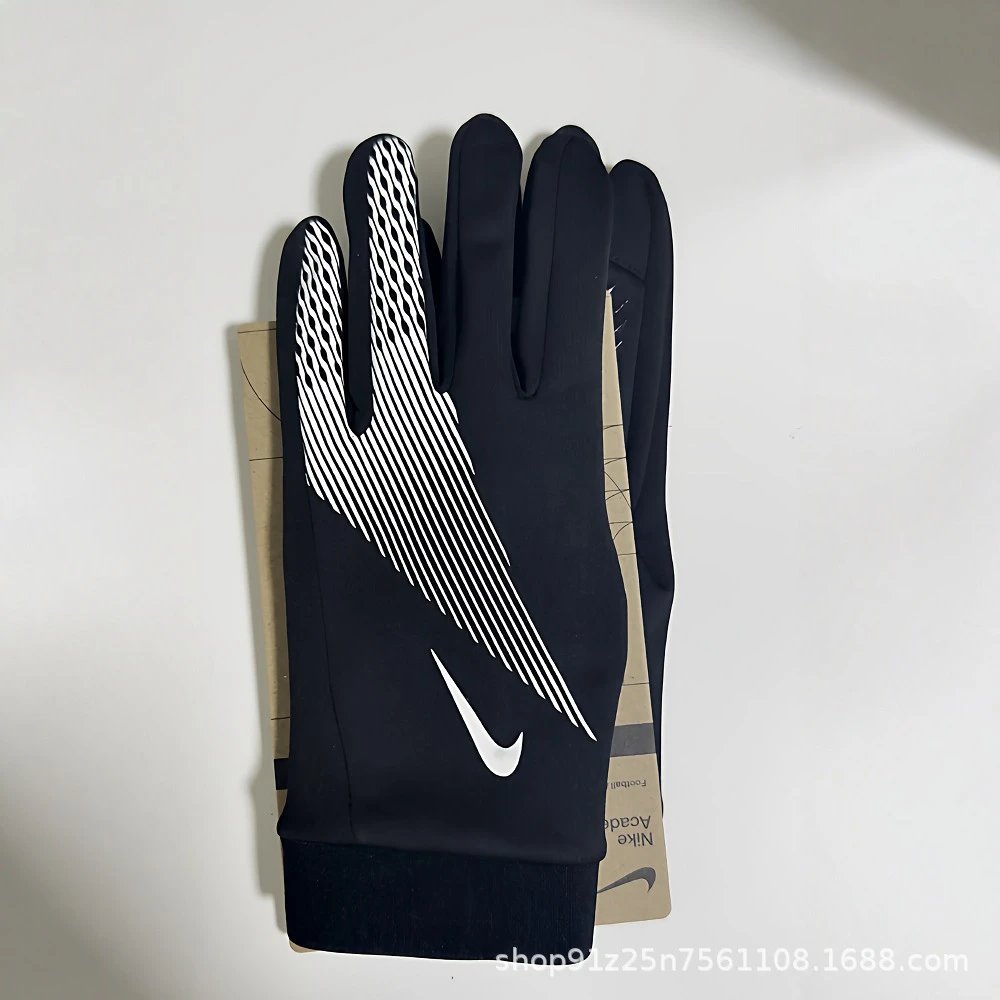
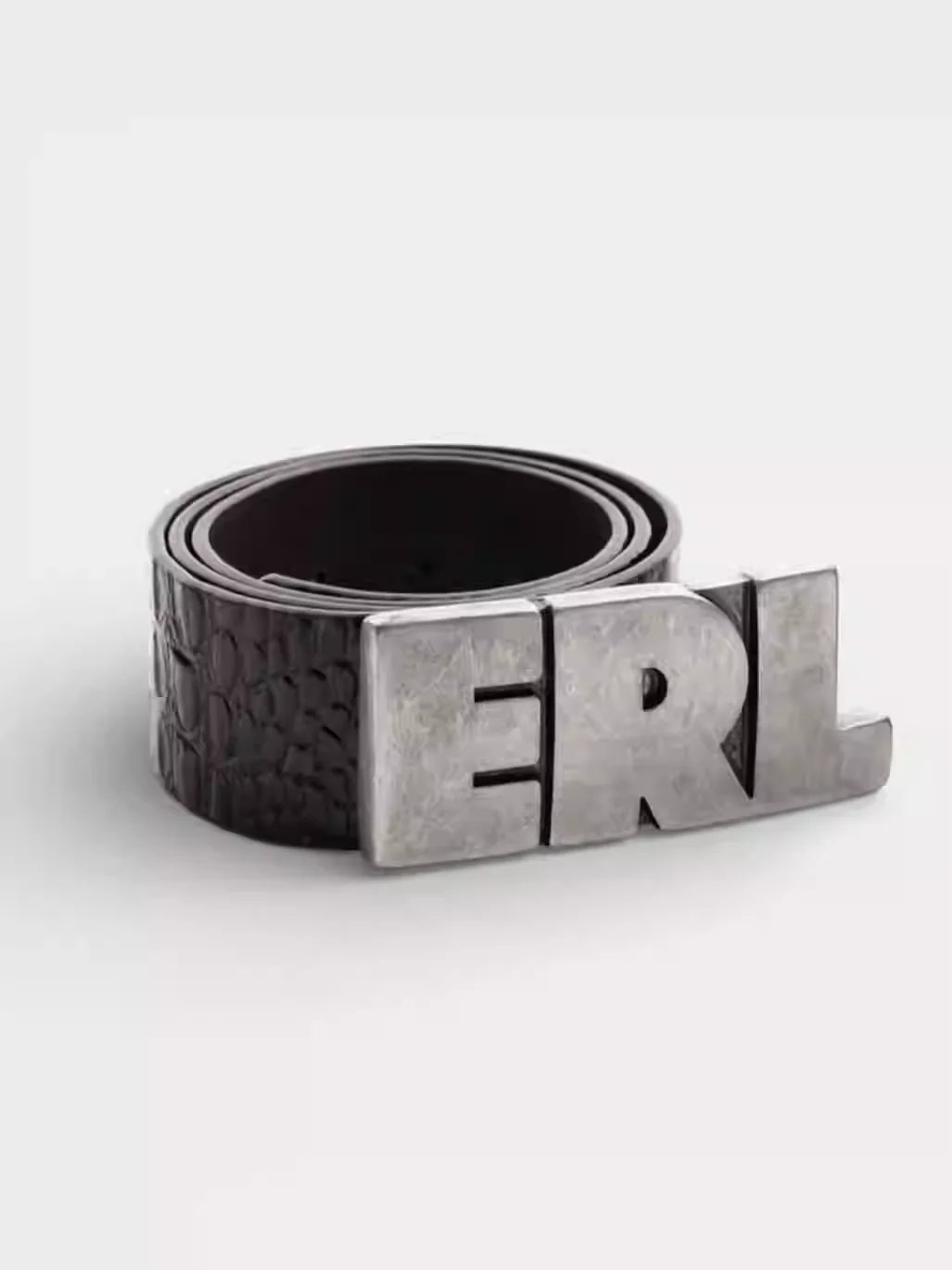
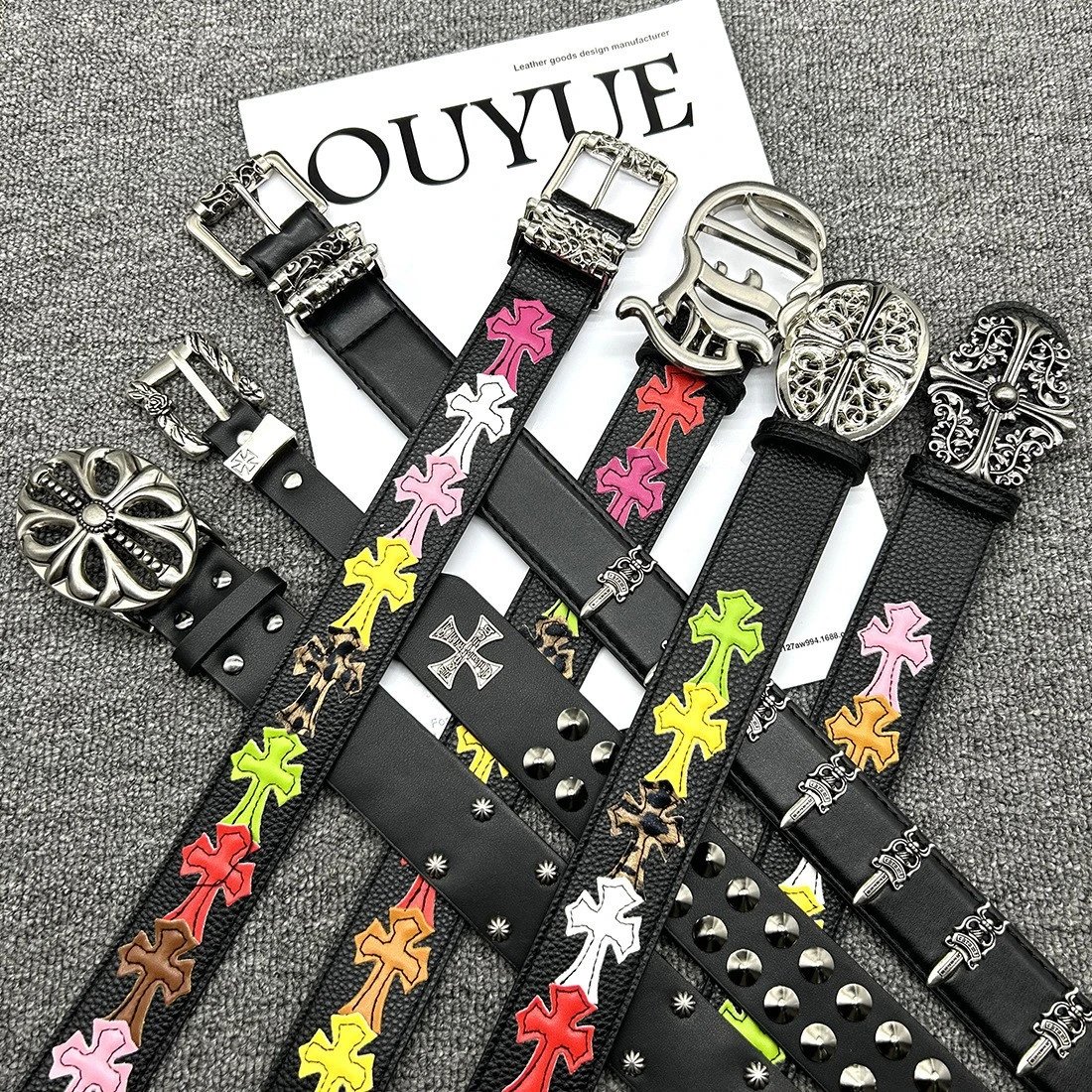
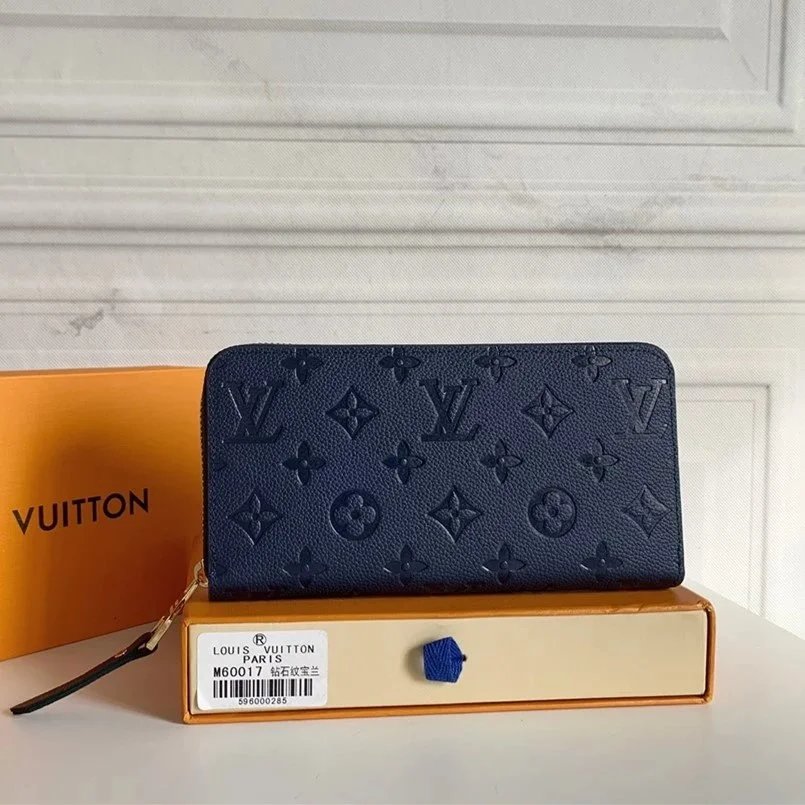
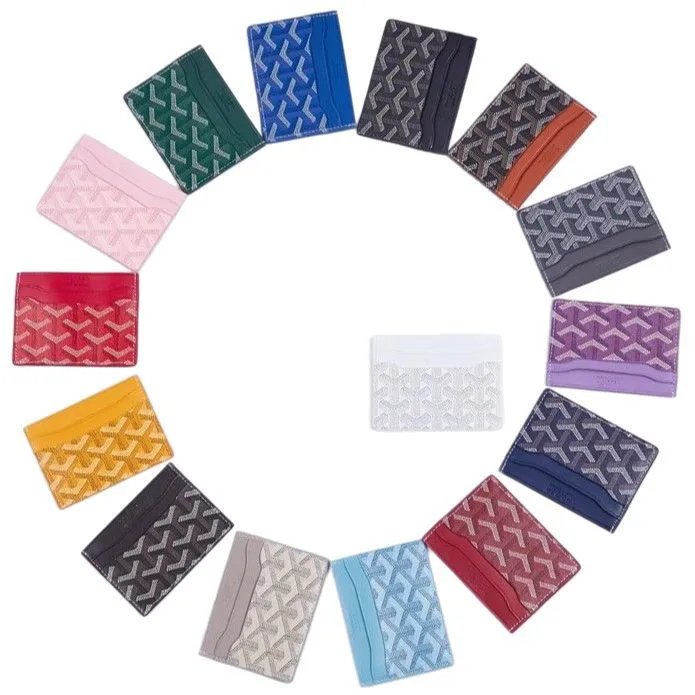
Search the EastMallBuy spreadsheet for clothing, shoes and accessories. Open the photos, compare the details, keep the right link.
Browse a category or search by name or photo. Open a product to compare its images and available options.
Use style thumbnails to preview photos. Enlarge available QC images and compare them with the seller’s pictures.
Open the matching product link. Check the current listing, size, colour and final price on EastMallBuy before ordering.
Compare silhouettes, soles and fastening details in the footwear listings. Open a pair to inspect its available style photos and QC references before continuing to EastMallBuy.
Browse shirts, T-shirts, hoodies and other tops by their actual listing. Compare print placement, fabric close-ups and the available options rather than relying on the thumbnail alone.
Explore trousers and shorts, then open the photos for the cut, pockets and hem details. Confirm measurements and the exact option on the destination listing.
Look through jackets and other outer layers. Open individual entries to compare front and back views, zips, collars and the available style previews.
Check what the seller includes in each set. Compare the pictured pieces and option descriptions on the original listing before ordering through EastMallBuy.
Open underwear listings to compare the pictured fabric, seams and pack contents. Verify the exact option and seller measurements before continuing on EastMallBuy.
Explore bags, hats, jewellery and other accessories. Open each listing for hardware, closures, markings and available close-up or QC photos.
Browse electronic items by model and pictured configuration. Photos alone cannot establish function or compatibility; confirm specifications on the destination listing.
Explore the remaining product types through their own listings. Keep the original item identity, pictured options and available reference images together.
No. EastMallBuy Lists is an independent product discovery site. Registration, orders, payments and account support take place on EastMallBuy. Some links are affiliate links.
No. These are available reference photos associated with a listing. They are separate from seller images and do not describe an order you have placed or guarantee the quality of a future purchase.
No. Thumbnails only change the photo preview here. Choose and confirm your size, colour, quantity and current price on EastMallBuy.
Yes. Open image search, upload or paste your picture, then compare the returned matches. Similar-looking items may be different products.